Steam Deck Assistant
A downloadable tool for macOS and Linux
Steam Deck Assistant
AI-powered gaming assistant for Steam Deck with natural language voice and text interface.
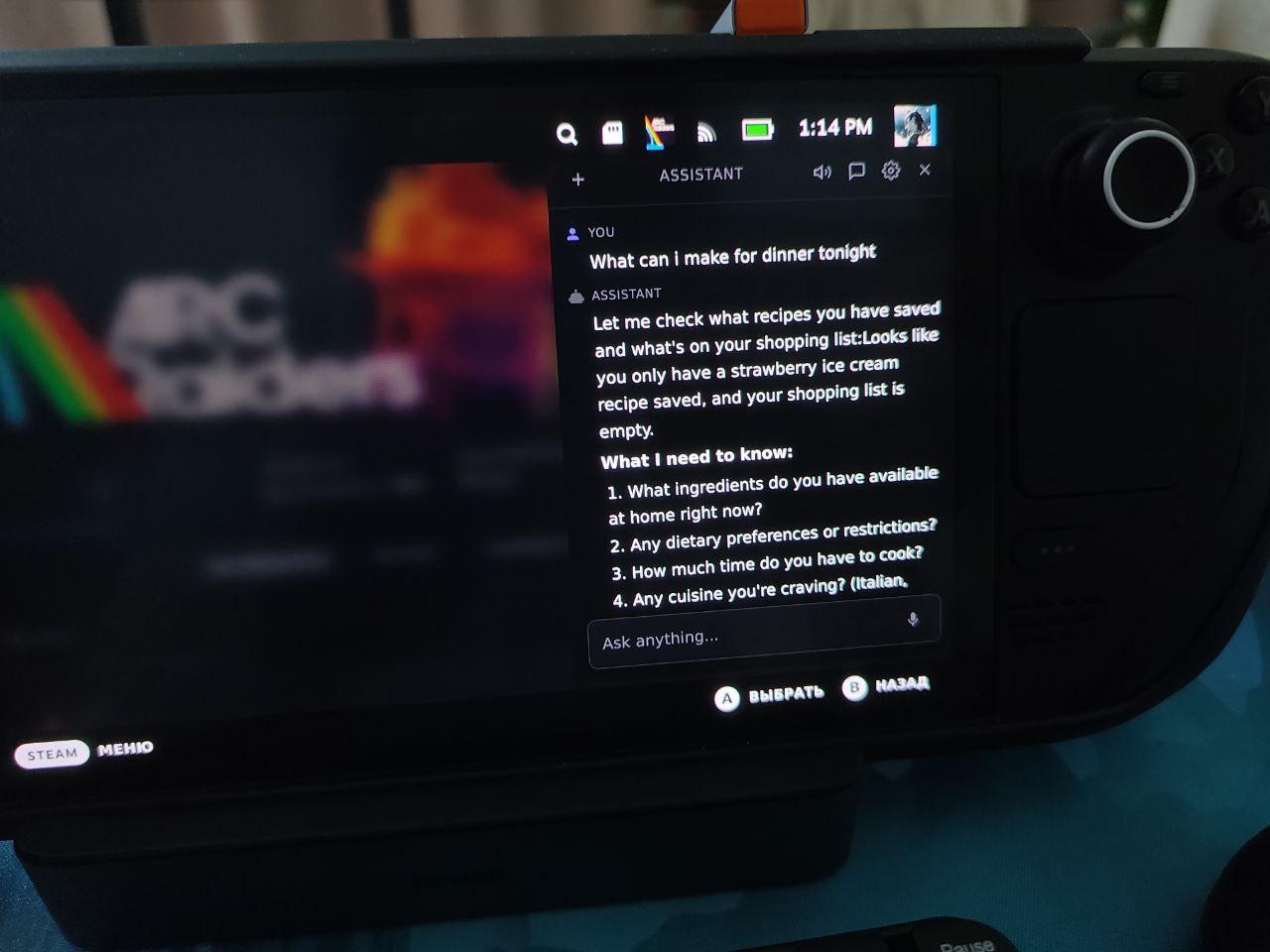
Ask for game walkthroughs, launch games, control system settings, and more — all by typing or speaking naturally. The assistant remembers your preferences and learns from every conversation.
Features
- Game Control — Launch games, search your Steam library, browse the store
- Game Guides — Boss strategies, secrets, achievements, walkthroughs
- Web Search — Gaming news, tips, reviews
- System Settings — Brightness, volume, performance profiles, battery status
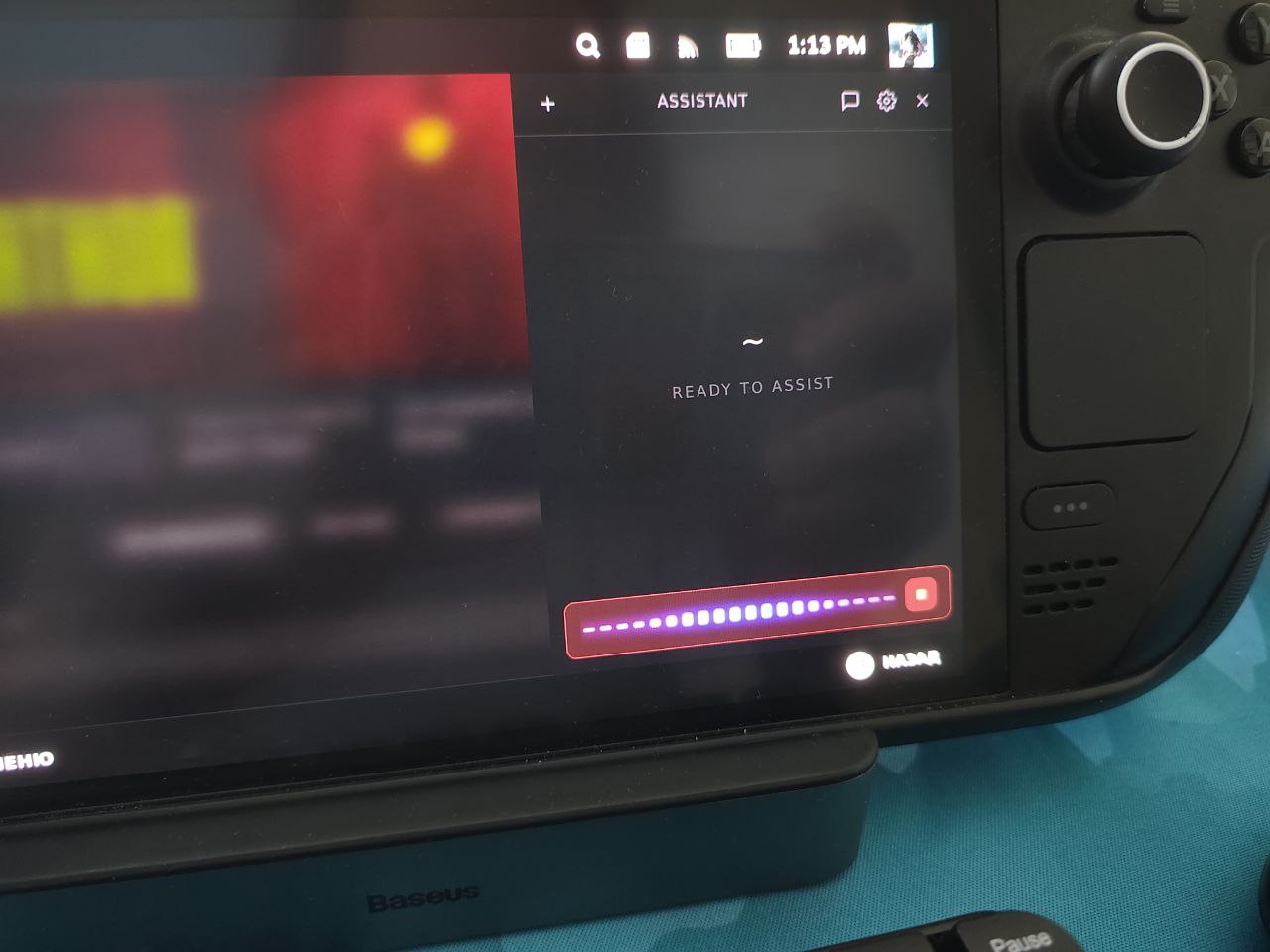
- Voice Input — Hands-free commands via speech recognition
- Persistent Memory — Remembers your preferences, progress, and past conversations
- Modular Skills — Extensible skill system that can auto-create new capabilities
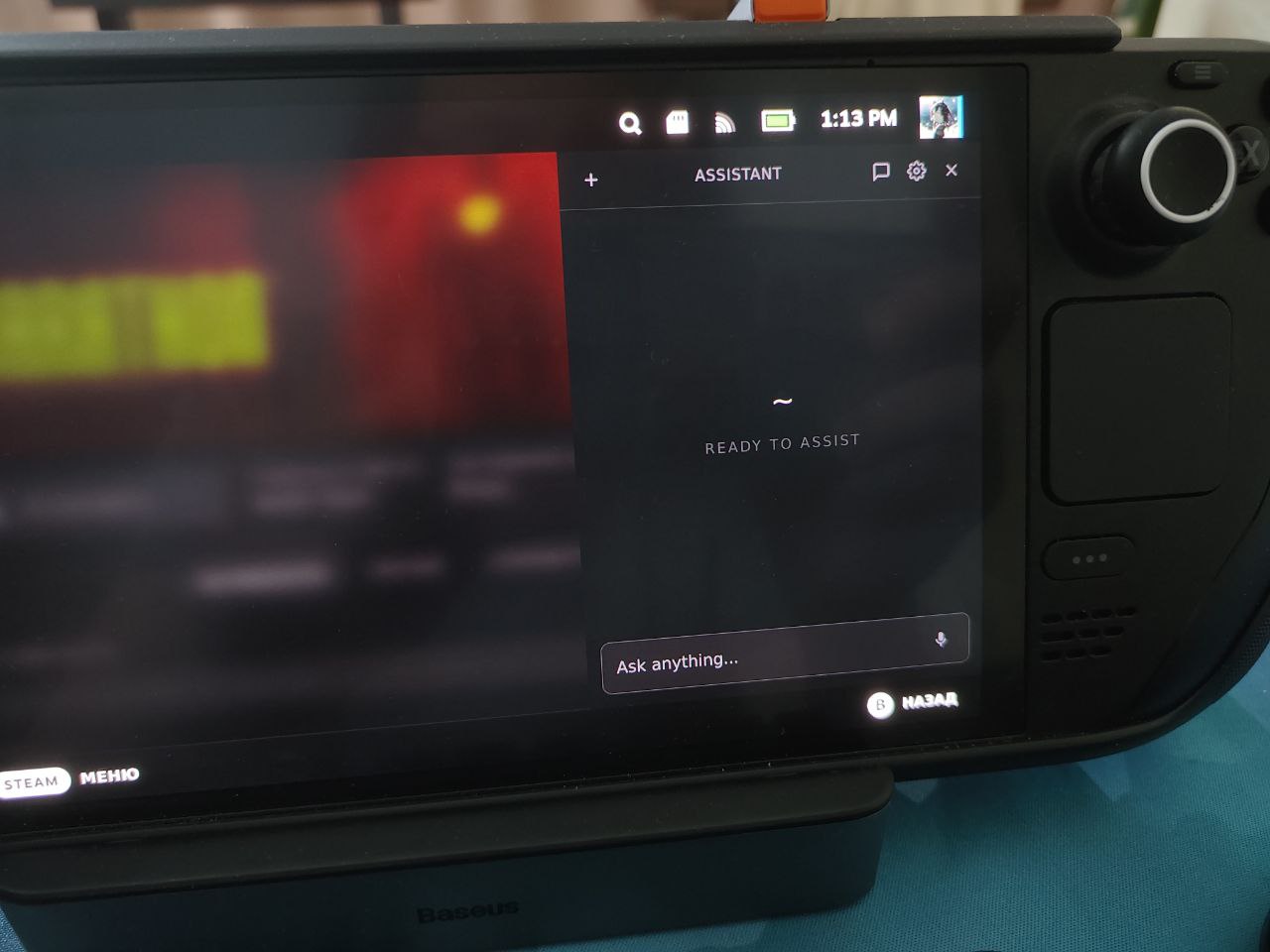
- QAM Integration — Accessible from Steam Deck's Quick Access Menu in Gaming Mode
Supported Providers
The assistant is multi-provider — bring your own API keys and mix services as you like.
LLM (Chat / AI Brain)
- Anthropic — Claude Opus, Sonnet, Haiku (default, recommended)
- OpenAI — GPT-4o, GPT-4o-mini, o3-mini
- Groq — Llama 3.3 70B, Llama 3.1 8B, Mixtral 8x7B (fast inference)
- xAI — Grok-3, Grok-3-mini
- OpenRouter — 100+ models (Claude, GPT, Gemini, Llama and more)
STT (Speech-to-Text)
- Faster Whisper — Local, on-device, no API key needed (default)
- Parakeet MLX — Local, Apple Silicon only, 5x faster than Whisper
- OpenAI Whisper — Cloud, multi-language, auto-detect
- Groq Whisper — Cloud, fast inference
- Yandex SpeechKit — Cloud: RU, EN, DE, KK, UZ, TR
TTS (Text-to-Speech)
- Yandex SpeechKit — 10+ voices (RU, EN, DE, KK, UZ), speed control
- OpenAI TTS — 6 voices, HD quality, multi-language
Other
- Steam Web API — Access your game library, playtime, achievements
- Proxy — SOCKS5 / HTTP proxy support
All API keys, settings, and user data are stored locally on your device. Nothing is sent to third-party servers except requests to your chosen provider's API.
How It Works
Steam Deck Assistant runs as a local web service on your Steam Deck. It connects to your chosen LLM provider to understand your requests and uses built-in tools to control your device, find game information, and manage your gaming experience.
Example commands:
- "Launch Elden Ring"
- "How do I beat the first boss in Hollow Knight?"
- "Set brightness to 50%"
- "What's my battery level?"
- "Remember that I prefer stealth gameplay"
- "Search for the best indie RPGs"
Installation
- Download
steam-deck-assistant.zip - Transfer to your Steam Deck (USB, SSH, or direct download)
- Extract the archive
- Double-click
INSTALL.shin Dolphin (Desktop Mode) — or run it from terminal - Follow the setup wizard at
http://localhost:8787/setupto configure your providers - Done! Access the assistant at
http://localhost:8787or from the QAM panel
Requirements:
- Steam Deck (SteamOS) or any Linux with Python 3.11+
- At least one LLM provider API key (Anthropic, OpenAI, Groq, xAI, or OpenRouter)
Tech Stack
- Backend: Python, FastAPI, SQLite
- Frontend: React, TypeScript, Vite, Tailwind CSS
- LLM: Anthropic, OpenAI, Groq, xAI, OpenRouter
- Voice: Faster Whisper, Parakeet MLX, OpenAI, Groq, Yandex SpeechKit
- Integration: Steam protocol, CEF remote debugging for QAM
Download
Leave a comment
Log in with itch.io to leave a comment.